

In this piece
First published March 2024. Restored in full in October 2026.
This is how a solopreneur uses AI and automation to run a job board, side projects and a consultancy.
You’ll learn key lessons from Phil’s story, along with how he runs his 6-figure business in less than 30 hours per week by streamlining his communication, keeping his focus, and using AI as a colleague and helper.
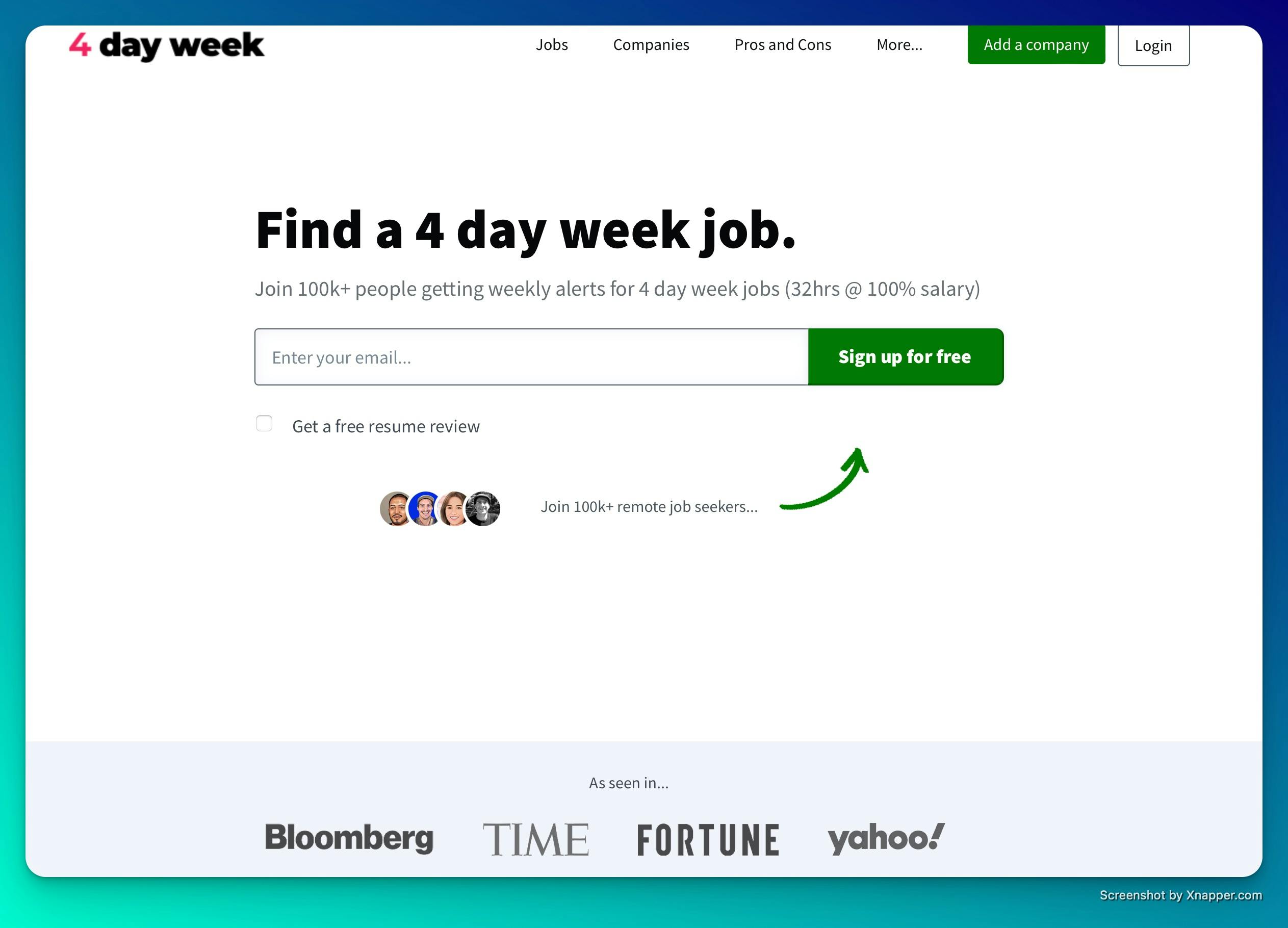
Phil is the owner of 4dayweek, a job board specialising in, you guessed it, 4-day week jobs.
Contributor: Phil McParlane

Phil is a seasoned software developer and data scientist who swapped a hefty 3-hour daily commute to a corporate job for a lean business back in 2020. A serial builder, his major success and freedom enabler is his job board business.
Launch fast, don’t wait
Phil didn’t overthink the job board idea. He built a landing page and dropped it onto Hacker News. After getting 300 sign-ups in 48 hours, he knew he was onto something compared with his previous product launches. After that, he doubled down and began to build out functionality.
The lesson here is that you should validate demand before you build.
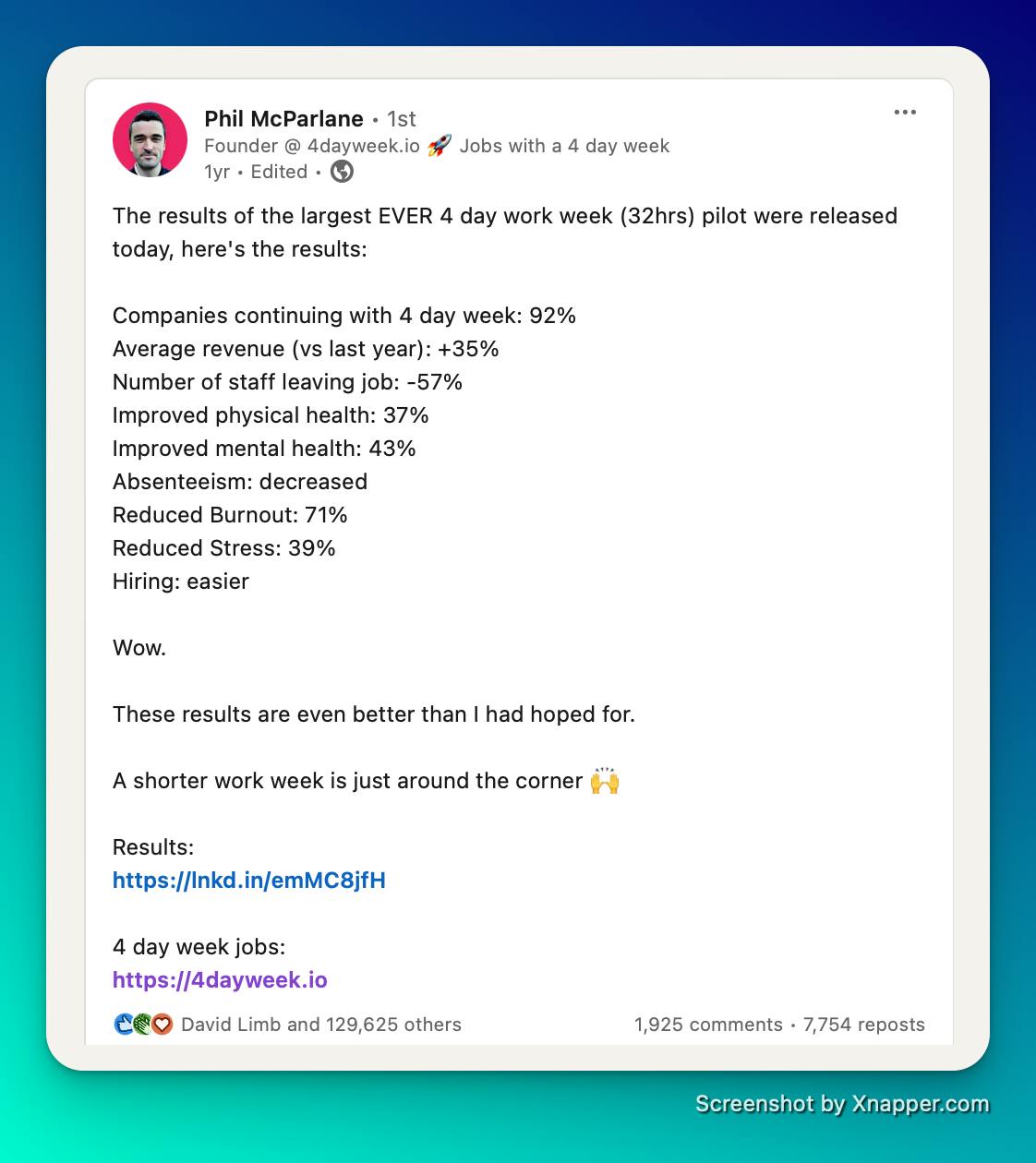
Even though he only had 300 followers when he started, Twitter became a great source of traffic in the early days, as 4-day weeks are universally emotive. Recently, X has dropped off as a traffic source, and he finds LinkedIn works better. It’s worth following him to learn more. He gets awesome engagement, and check out this viral post.
It was tough in the early days
Phil didn’t earn anything from his website for 6 months, and even then, it was $100 here and there. It wasn’t until he was 18 months in that he had the security to leave his job and go full (well, part) time on his business.
He always had in the back of his mind that persistence is key.
Meaningful projects aren’t built overnight, so if you have traction and things are improving, have faith that you will get there eventually.
Life operating a lean job board business
His business is doing well. It’s still just him, working 20-30 hours per week on the job board and a handful of side projects. He has a team of six part-time freelancers helping with tasks such as blog writing, sales outreach, social media content and data management.
He’s super happy with the flexibility he has for family life, and the business provides a solid 6-figure income, replacing his corporate salary.
He’s constantly adding new features and launching side projects like SEO Sam, which analyses your website’s SEO using AI.

How Phil uses AI to run lean
- Identify repetitive tasks and where you need a copilot
- Streamline access to the tools you use often
- Create custom GPTs for repetitive tasks
- Minimise distractions by staying on top of communications
Before AI, Phil was doing everything
Starting out, Phil did everything. His site is a custom build that he built himself.
But he was also doing marketing, sales, customer support and all of the back office. This was while he was holding down a job. He was in the trenches doing all of the boring stuff alongside the excitement of launching, building and winning customers.
Doing the same thing a few times per week? Give it to an AI and save hours
With the launch of ChatGPT and a flurry of AI tools, Phil started to identify things he was doing multiple times per week that he felt he could hand over to AI. Following AI launches on X has kept him aware of what tools are out there.
Phil is fantastic at streamlining his information channels and tool use. You’ll see below that he centralises access to his tools to make them easier to reach and less distracting. He does the same with his communication channels.
This undoubtedly drives his productivity and allows him to do more in less time.
Step-by-step process
1. Identify repetitive tasks and where you need a copilot
Phil does this on an ad hoc basis, keeping a mental tally of repetitive tasks he knows AI could help with.
Tip from me: I’ve periodically used a simple Google Sheet to document what I do in a week, with a 30-minute alarm to remind me to note down what I’m doing. Then you can use an Eisenhower matrix to sort what to outsource to a person or a robot.
When he identifies a repetitive task, he builds a custom GPT to speed up that part of his workflow.
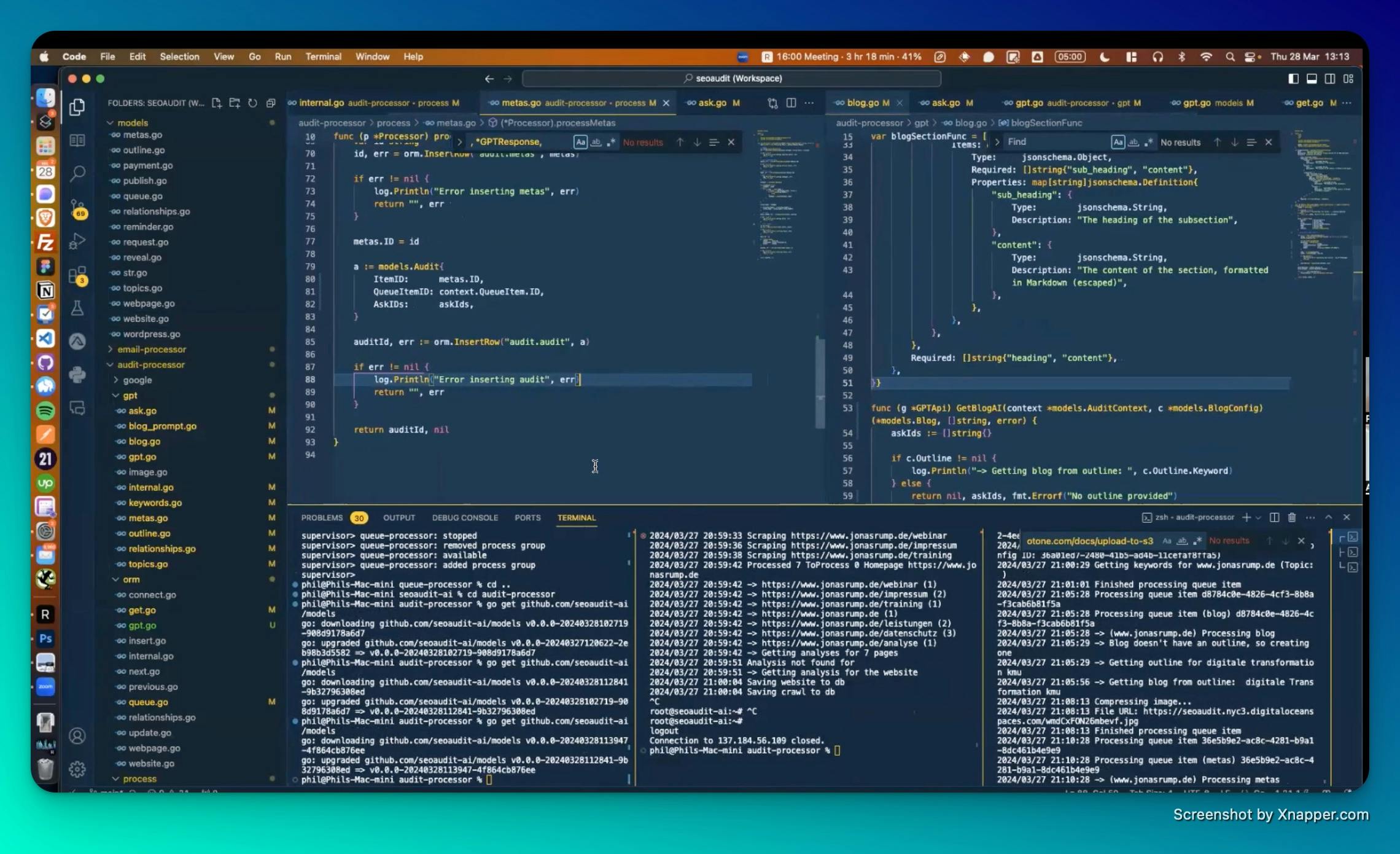
Phil codes with GitHub Copilot. He writes comments, lets the AI write the code, and then he reviews it. He also uses the native ChatGPT interface on what seems like an hourly basis, so he’s built a structure for quick access.
2. Streamline access to the tools you use often
Raycast
Raycast is a desktop launcher for Mac. It’s similar to Spotlight (CMD+Space) but has more customisation and lets you extend into automations.
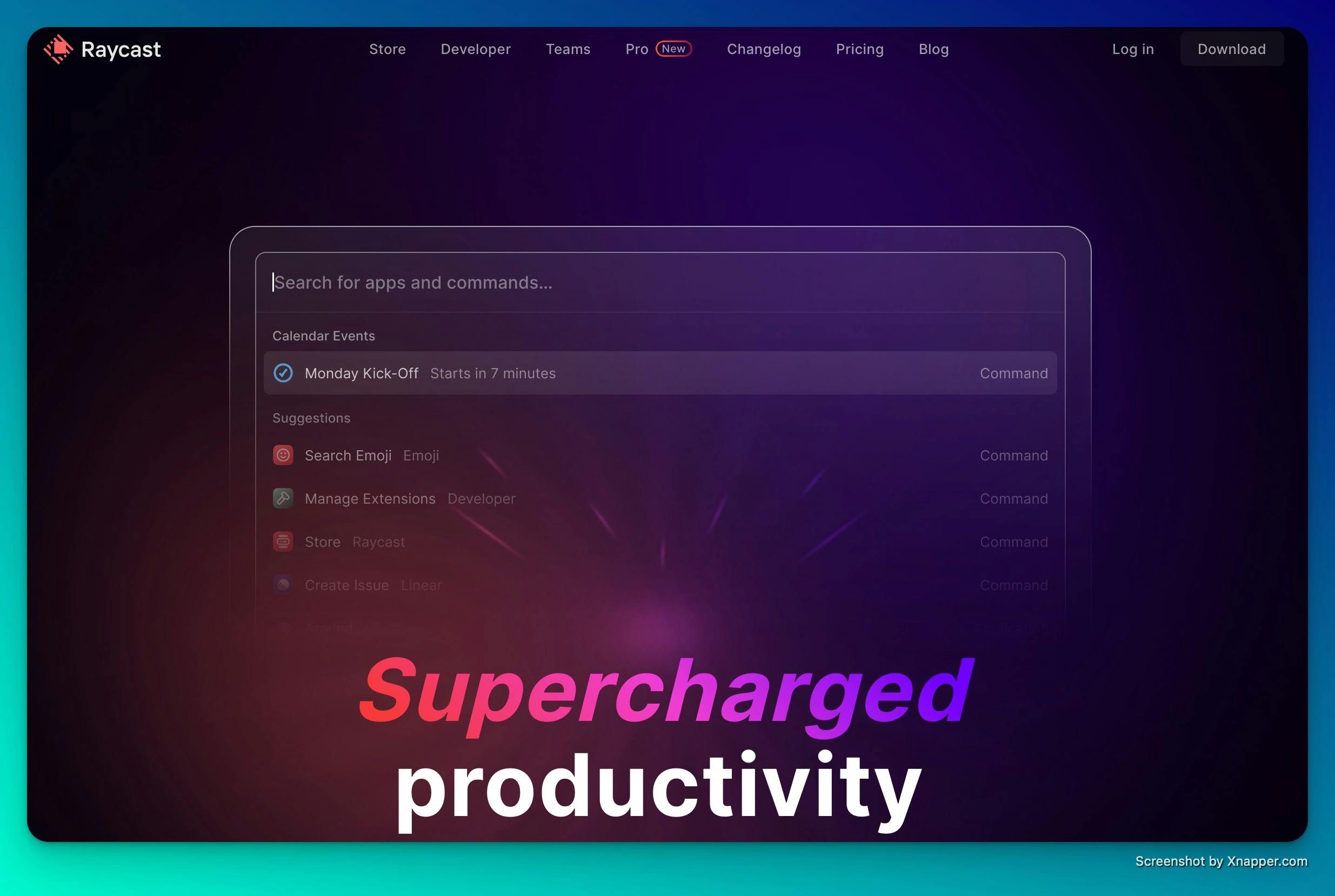
Phil uses the Pro version and a keyboard shortcut to get straight into a ChatGPT interface, so he never uses the browser-based version. This gives him instant access to what has essentially become a coworker.
He plugs apps into Raycast, such as his diary, to quickly get to meeting links, and his to-do list, Things, so that he can quickly add tasks.
All in, Raycast cuts the time he spends task switching and navigating around his operating system.
Everything is driven by his keyboard, so he rarely uses his mouse. These improvements are incremental, but they add up to more spare time.
Things
Phil uses Things as a personal task manager. He likes its simple interface and doesn’t overthink his task management when using it.
Because he has it linked to Raycast, he can quickly add a to-do from anywhere on his computer or phone. He never opens Things itself, as the to-do list also sits in Raycast.
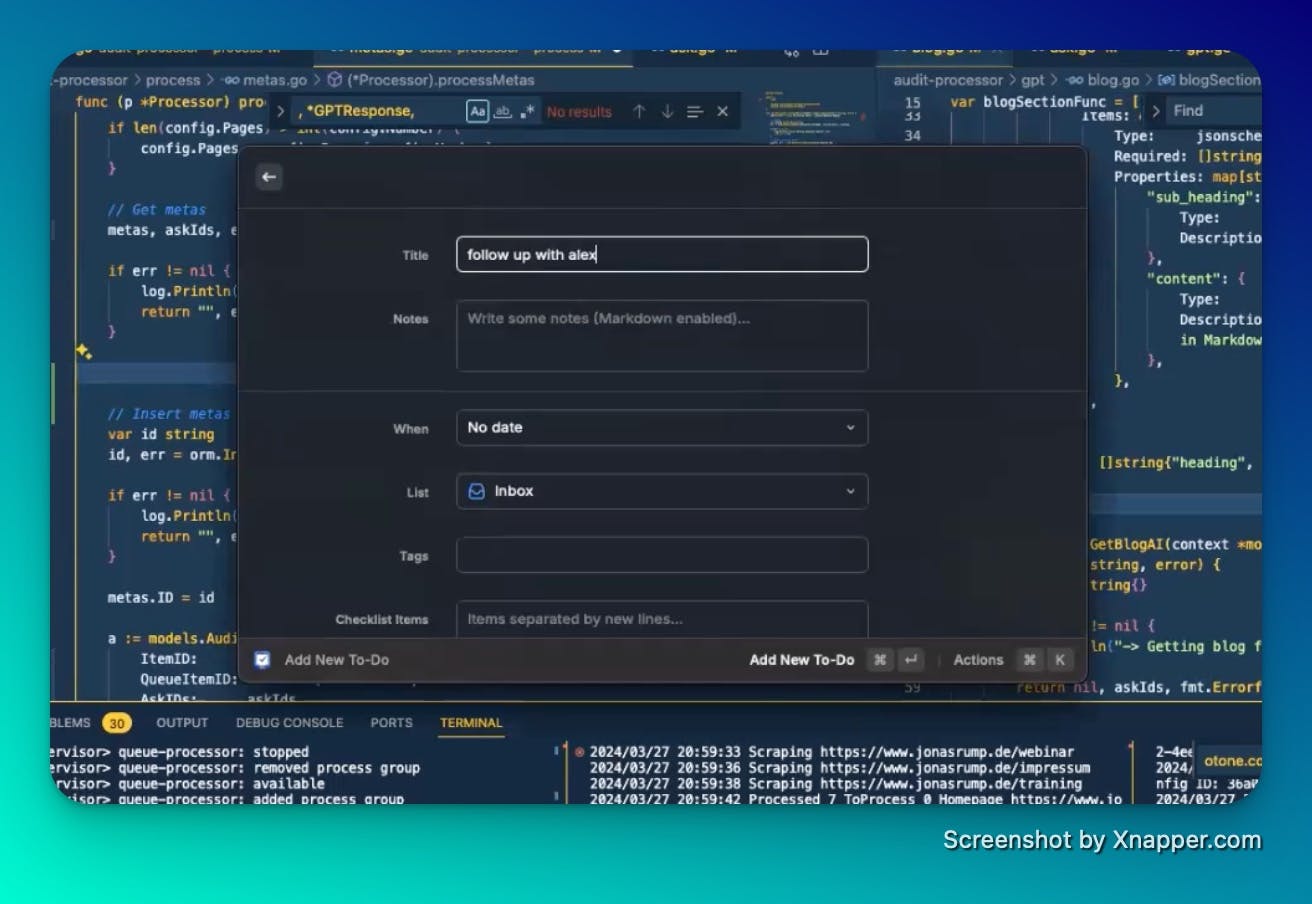
This helps him keep his focus on what he is working on, makes sure everything gets done and keeps him productive.
He could expand this by linking tasks into automations, but he just builds them in Zapier when he needs something.
Texts
Phil centralises all of his DMs in one place using Texts: WhatsApp, Telegram, X and so on. This insulates him from the distraction of being on the platforms and makes it easy to switch between messages.
Again, he can keyboard through all of his messages, and it avoids time spent switching between apps.
3. Create custom GPTs for repetitive tasks
For those of you who don’t know already, you can create custom GPTs that combine instructions and extra knowledge to give you more defined outputs.
Once Phil identifies a repetitive but essential task, he builds a GPT to support it. Here are a couple of examples, and he’s kindly shared links to them for you.
For SOPs
Phil instructs his small freelance team using Loom screen recordings. He takes the transcript from these recordings, adds it to his GPT, and it outputs a document outlining the task and instructions. That gives him a more formal standard operating procedure to save and refer back to.
Link to ‘Loom Transcription to Task Description’ GPT
For reviewing content
When Phil’s blog writer submits content, he has a GPT review the work. It recommends ways to improve it, checks spelling and grammar, and comments on the structure and content. He gives this back to his writer to steer their content in the right direction.
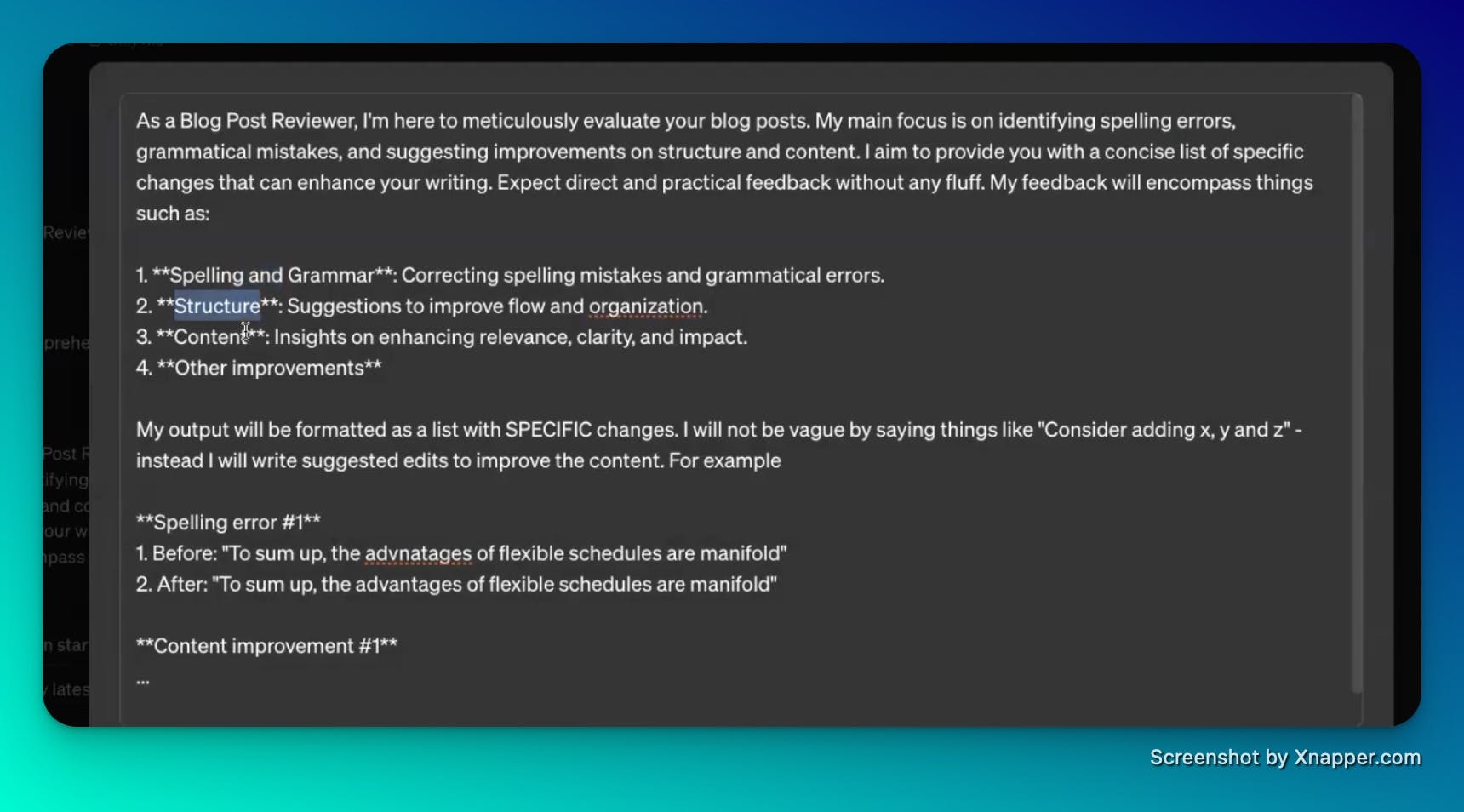
Link to ‘Blog Post Reviewer’ GPT
4. Minimise distractions by staying on top of communications
As detailed above, Phil uses Texts to stay on top of comms while time-boxing his exposure to messaging.
Think of it as Inbox Zero for messaging.
He gave a shout-out to Superhuman, which he uses as his email client. With it, he gets to Inbox Zero.
Cognitively, it gives him more mental breathing room to stay on task and create.
Extra
Resources
Phil cited Indie Hackers as an inspiration, including one episode in particular where they chatted about the draconian 5-day work week. He took it as a sign from the gods that he should pursue his idea.
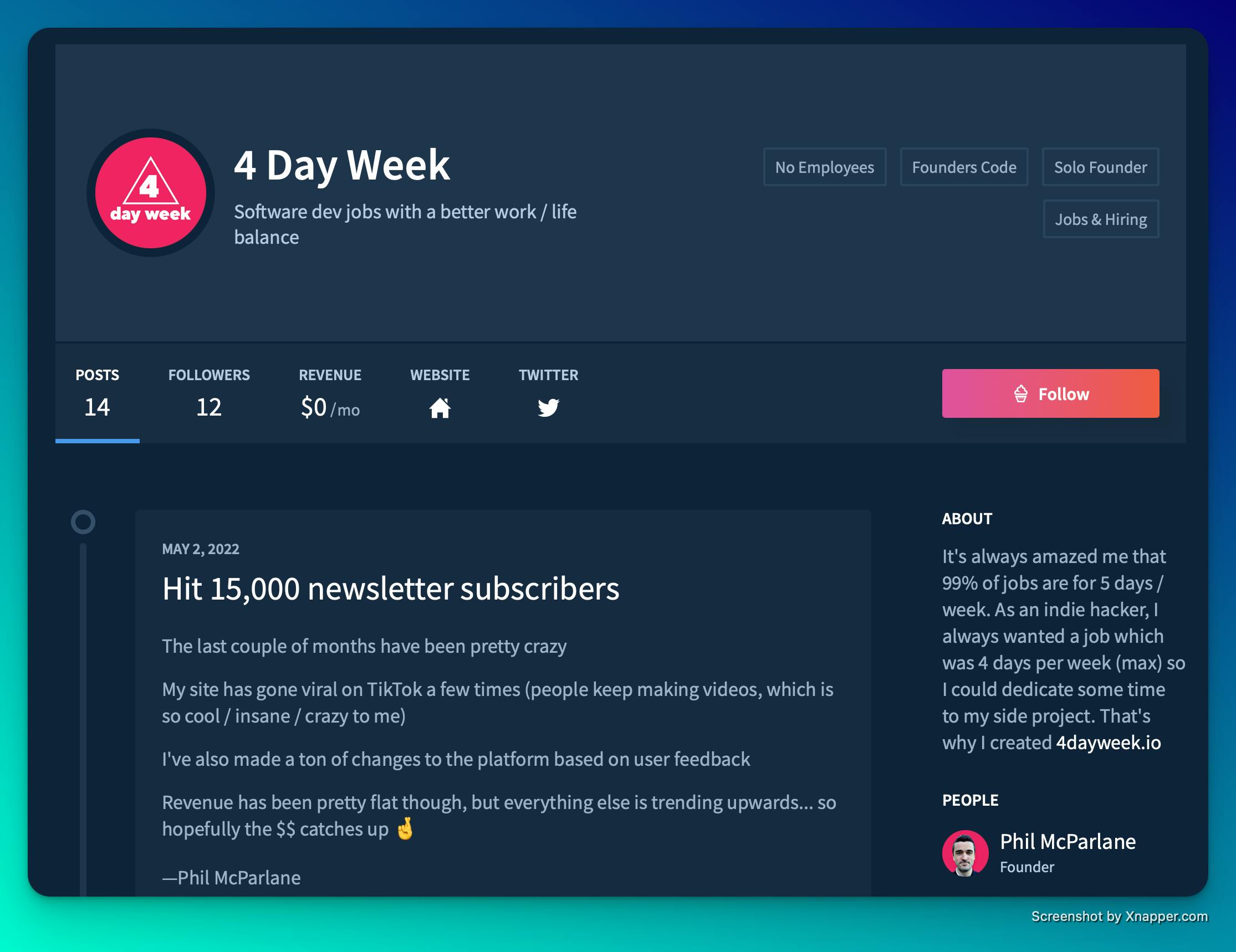
You can follow some of Phil’s early journey on Indie Hackers.
Nowadays, he mainly keeps up with trends on X, through DMs and his feed. You have to be careful not to slip down rabbit holes, though.
Parting advice
Don’t spend too much time on your first version of anything. Just get it out there. Speak to people, speak to customers, and find the problems. Don’t get caught up building too many features too early.
If you’re technical, get out of the mindset that if you code it, they will come.
You need traction with an idea and a solid distribution channel to match.
Finally, keep launching. Phil has had one big win, two small wins and about 20 fails.
Follow Phil’s journey
You can expect to find him focused on growing 4dayweek to greater heights over the coming months and years, and working on his new SEO review service.
You can follow Phil on X or LinkedIn and reach out to him any time.
If you want to swap notes with other lean operators running their businesses this way, that’s what the Leanpreneur community is for.